

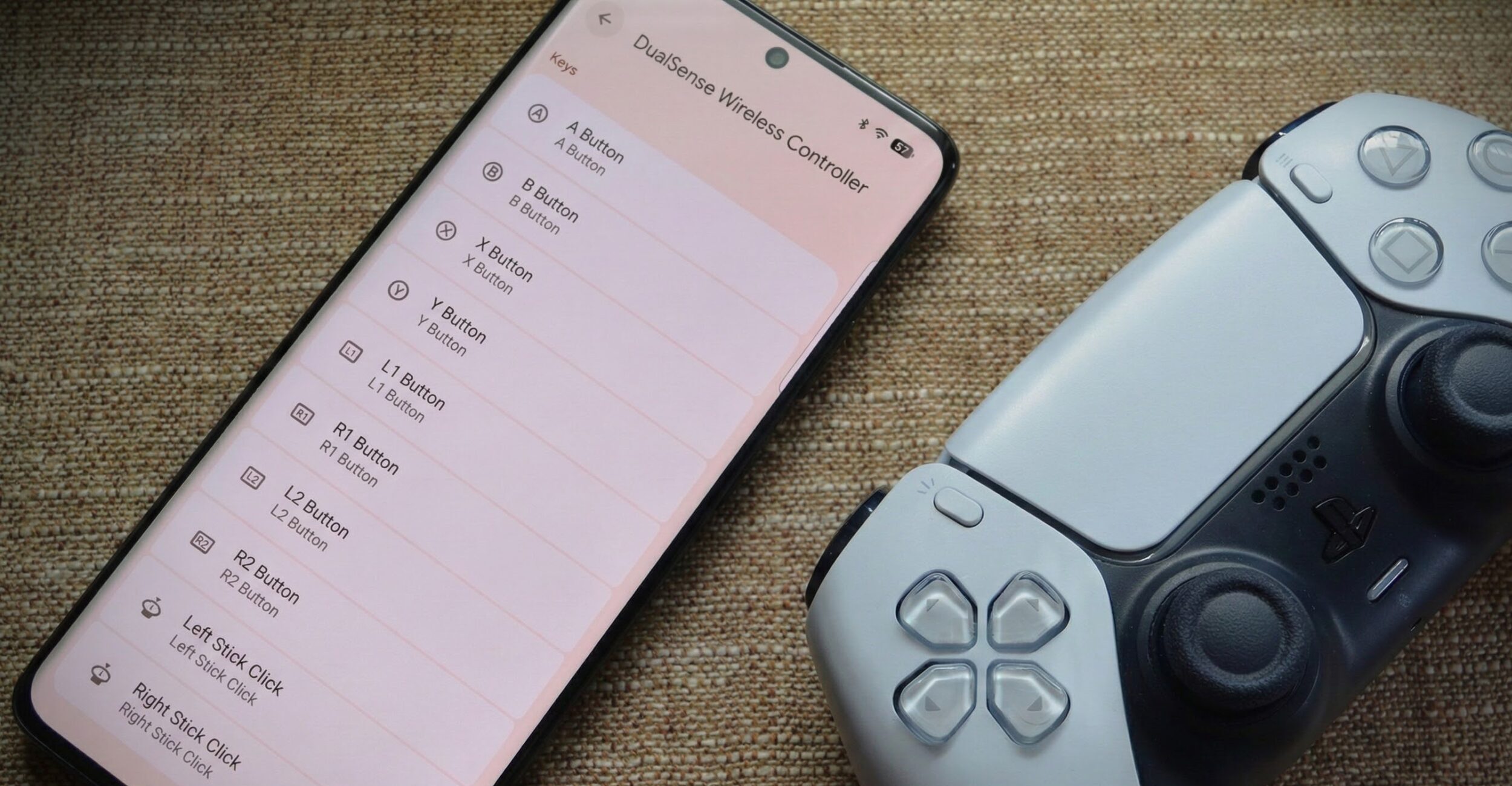
Android 17 controller remapping has finally arrived, marking a significant milestone for mobile gamers. This feature, long-awaited by the community, allows for unprecedented customization of gamepad controls, enhancing the gaming experience on Android devices.
Android Authority provided a sneak peek of this feature back in December, but now it’s officially here with the Android 17 Beta release. This new capability enables users to tailor their gaming experience by customizing how gamepad buttons, sticks, and triggers function across the system.
What is Android 17 Controller Remapping?
The Android 17 controller remapping feature is a system-level solution that allows gamers to customize their controller inputs. This means that once you set your preferred button layout, it will apply across all games, eliminating the need to configure it repeatedly for each title.
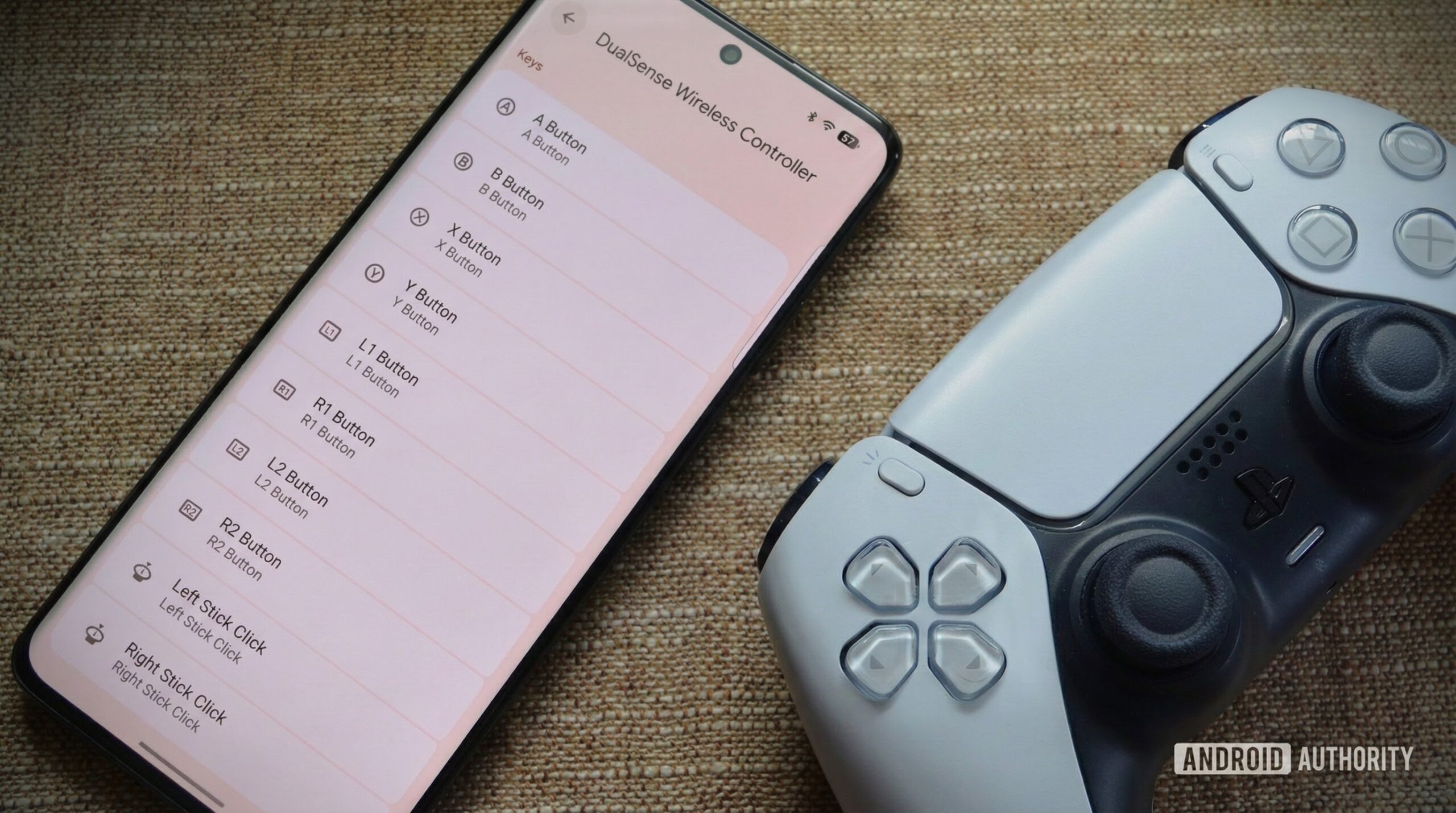
This feature was announced by Mishaal Rahman, a former Android Authority editor now working at Google. The announcement [was posted](https://www.reddit.com/r/AndroidGaming/comments/1sf80g1/try_androids_new_controller_remapping_feature_in/ rel=”noopener”) on Reddit, highlighting Google’s response to user feedback requesting native controller remapping support on Android.
How to Access and Use Android 17 Controller Remapping
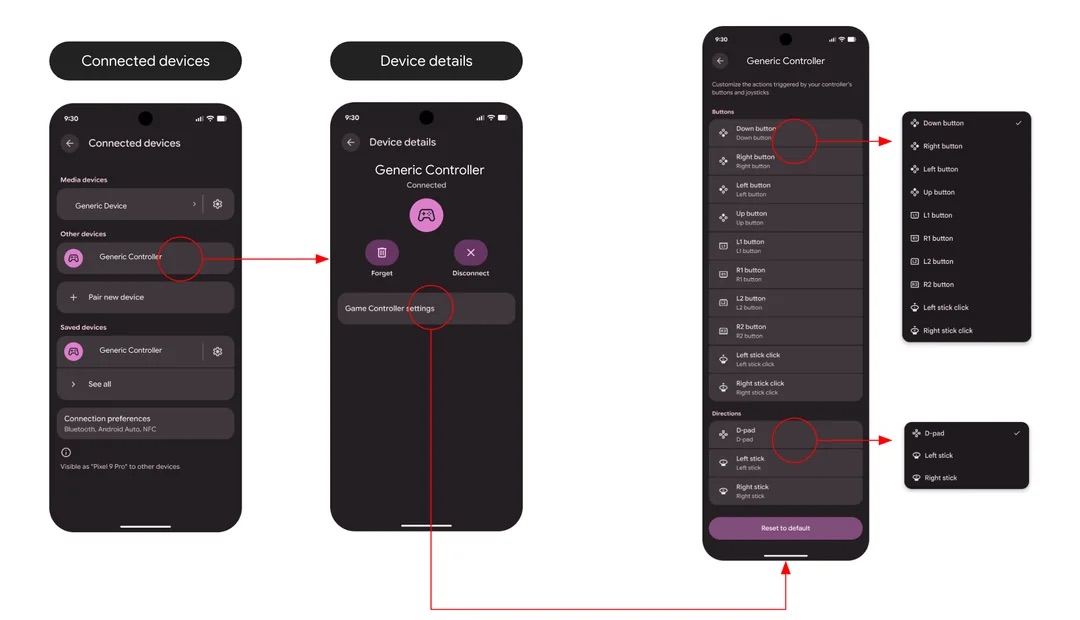
Accessing the Android 17 controller remapping feature is straightforward. For wired controllers, navigate to **Settings > System > Game Controller**. For Bluetooth controllers, go to **Settings > Connected devices > Device details (after selecting your connected gamepad) > Game Controller Settings**.
Once in the Game Controller settings, you can remap face buttons, triggers, and thumbstick clicks. You can also swap directional inputs like analog sticks and the D-pad, and save your preferences directly on your device.
This feature is designed with accessibility in mind, allowing players to adjust controls to better suit their physical needs and muscle memory, especially when switching between platforms with different controller layouts.
The Benefits of Android 17 Controller Remapping
Android 17 controller remapping offers several advantages for gamers. Firstly, it provides a more personalized gaming experience by allowing users to configure controls to their liking. This is particularly useful for gamers who prefer non-standard control schemes or have specific accessibility needs.
Additionally, the system-level implementation means that once you set your preferences, they apply across all games. This saves time and effort, as you don’t have to reconfigure your controls for each game you play. Furthermore, this feature supports both wired and Bluetooth controllers, ensuring compatibility with a wide range of gaming accessories.
Current Limitations and Future Improvements
As of now, Android 17 controller remapping is only available on devices running Android 17 Beta (Beta 2 or later). While the feature is functional, there are some known issues. For instance, incorrect button glyphs may appear for certain controllers, although the functionality remains intact. Google is actively seeking feedback to address these issues before the stable release.
You can read more about Android 17 [here](https://www.androidauthority.com/android-17-3561251/ rel=”noopener”). This new feature is a significant step forward for Android gaming, and with ongoing improvements, it promises to enhance the mobile gaming experience for users worldwide.
Thank you for reading. For more updates on Android 17 and other tech news, stay tuned to our blog. If you have any comments or suggestions, please refer to our [comment policy](https://www.androidauthority.com/android-authority-comment-policy/ rel=”noopener”) before posting.
Information provided by Android Authority.
Original source: Android Authority





Leave a Reply