

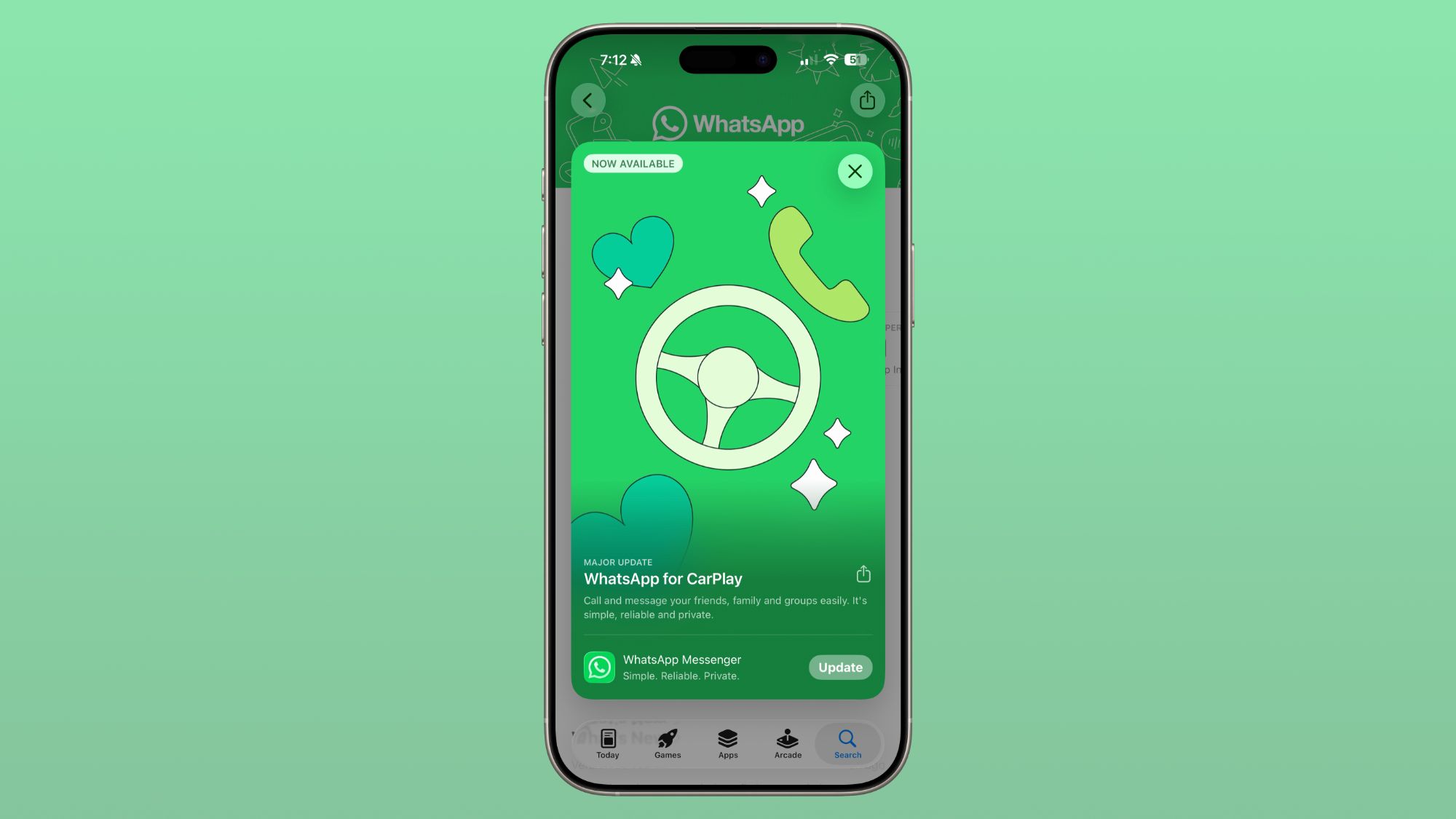
The latest update to WhatsApp introduces exciting changes for CarPlay users, enhancing the way you stay connected while on the go. CarPlay WhatsApp integration is now more intuitive and feature-rich than ever before. This update brings a dedicated interface for seamless communication and convenience for those who use their vehicles as a primary tech hub.
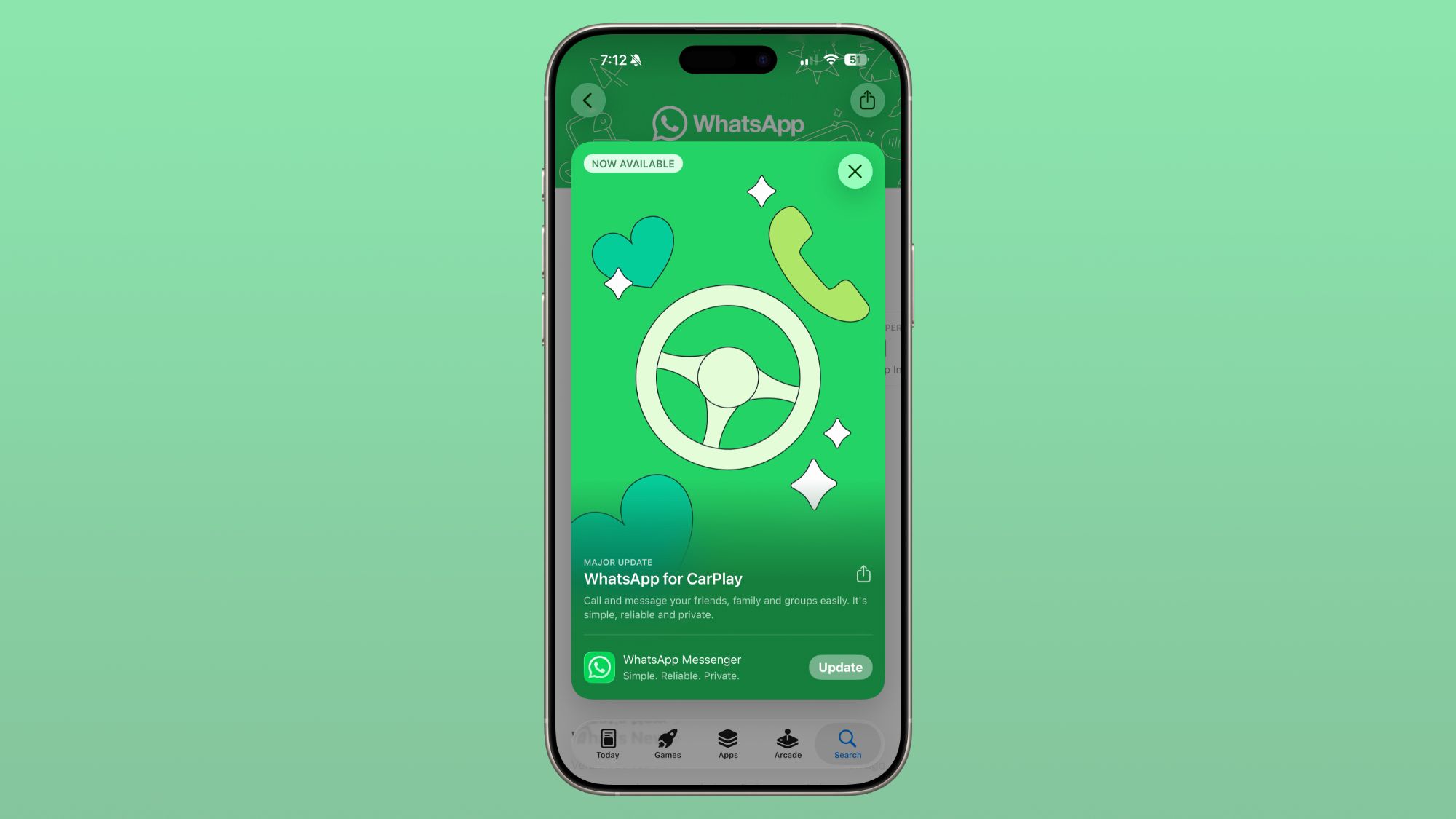
CarPlay WhatsApp: A Game-Changer for In-Car Messaging
The CarPlay WhatsApp integration represents a significant leap forward in in-car communication. Previously, users relied heavily on Siri for basic functions. Now, with a dedicated app, you can enjoy a more robust and user-friendly experience. This update makes it easier to message and call contacts directly from your car’s dashboard.
Explore the New Features of CarPlay WhatsApp
WhatsApp’s new CarPlay app offers a range of features designed to make your driving experience safer and more connected. Here’s what you can expect:
- Recent Chat List: Quickly access your most recent conversations.
- Call History: Easily review and initiate calls from your call log.
- Favorite Contacts: Create a shortcut for your most important contacts.
- Voice Dictation: Send messages hands-free using voice commands.
- Quick Call Button: Place calls with a single tap, ensuring safety while driving.
Recent Chats and Call History
The new interface prominently displays your recent chats and call history. This makes it easy to pick up where you left off without fumbling through menus. The recent chats feature ensures you never miss an important message while on the road.
Favorite Contacts and Quick Access
With the favorite contacts tab, you can prioritize your most important contacts. This feature is perfect for quickly reaching out to family or friends without navigating through your entire contact list. The quick access buttons for sending messages via dictation or placing a call add an extra layer of convenience.
Setting Up CarPlay WhatsApp: A Step-by-Step Guide
Getting started with the new CarPlay WhatsApp integration is straightforward. Follow these simple steps to enjoy the enhanced features:
- Update WhatsApp: Ensure your iPhone has the latest version of WhatsApp installed.
- Connect to CarPlay: Plug your iPhone into your CarPlay-compatible vehicle.
- Launch WhatsApp: Open the WhatsApp app from your CarPlay dashboard.
- Explore the New Interface: Familiarize yourself with the new tabs and features.
Enhance Your Driving Experience with CarPlay WhatsApp
The new CarPlay WhatsApp integration is a game-changer for anyone who values connectivity and convenience while driving. With its intuitive interface and powerful features, staying in touch has never been easier. Whether you’re catching up with friends or coordinating with family, this update ensures you’re always connected.
Original source: MacRumors




Leave a Reply