

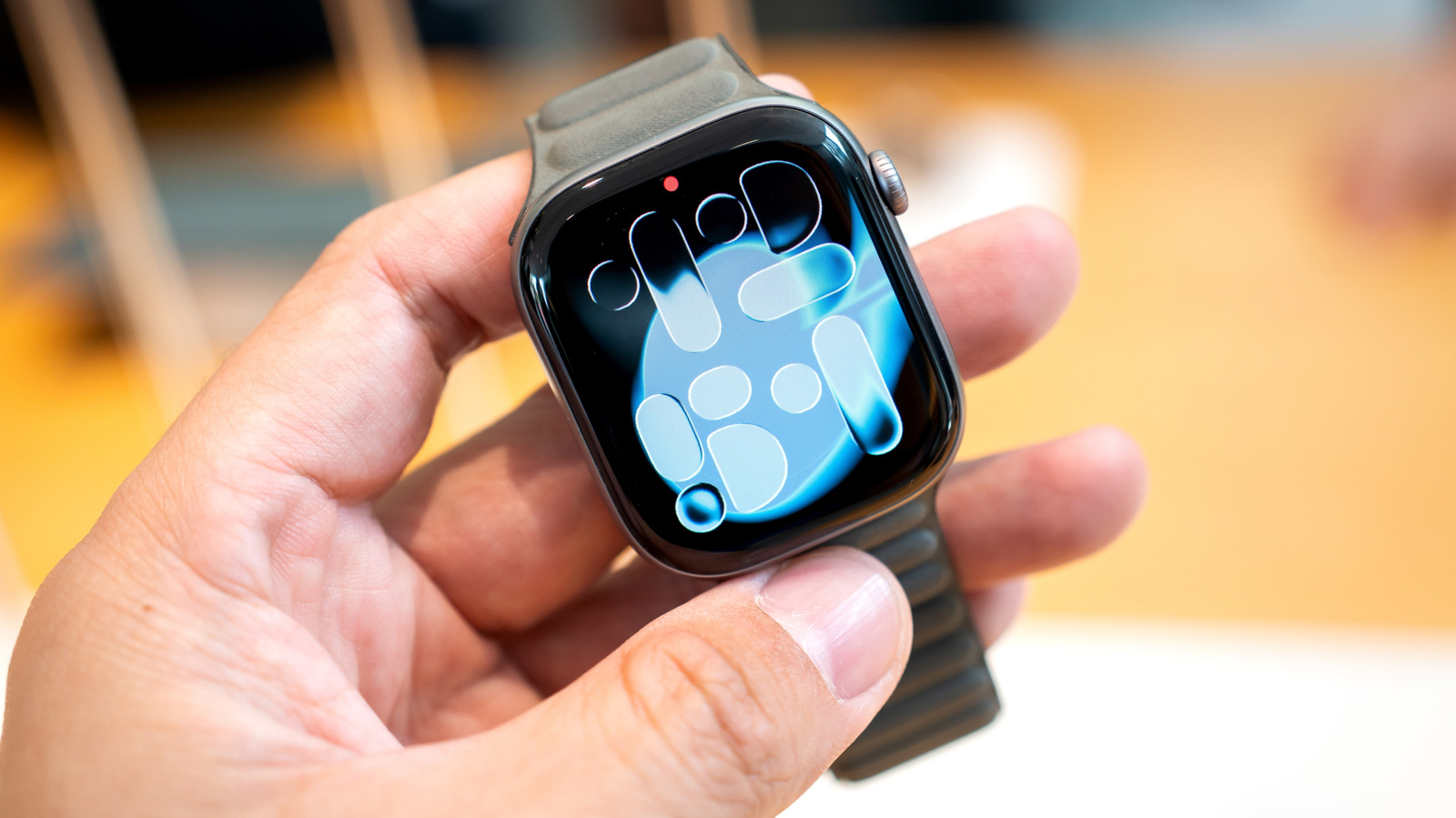
Are you maximizing the potential of your Apple Watch’s features in 2026? Whether you’ve been a long-time user or a new adopter of this smartwatch, there are likely several hidden tools and capabilities you haven’t explored yet. Apple offers three main models: the Series 11, the SE 3, and the Ultra 3. Each has unique features and specs, but all share a wealth of underutilized functions.
Beyond the basics of answering calls and tracking fitness, your Apple Watch is packed with innovative features designed to enhance your daily life. Before you dive into customizing your watch face or choosing a stylish band, take the time to discover the full range of Apple Watch’s capabilities.
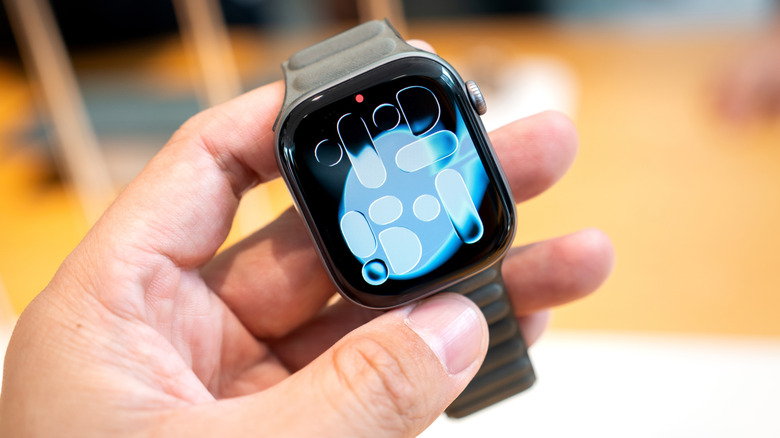
Sleep Apnea Detection: A Health Game Changer
One of the standout Apple Watch features 2026 is its ability to detect sleep apnea. If you or someone you know snores loudly or wakes up feeling tired, it might be a sign of sleep apnea. This condition affects millions of Americans and can lead to serious health issues like high blood pressure and heart problems.

To use this feature, ensure your iPhone is updated to the latest iOS version and that the Sleep Tracker feature is enabled in the Health app. Wear your watch for at least 10 nights over a 30-day period. The data will be analyzed every 30 days, and if a potential issue is detected, you’ll receive a notification. You can then share the report with your healthcare provider for further evaluation.
Mute Notifications with Gestures for Quiet Moments
Ever found yourself in a meeting or a quiet setting and realized you forgot to silence your Apple Watch notifications? No problem! Apple Watch features 2026 include gesture-based controls to quickly mute alerts.
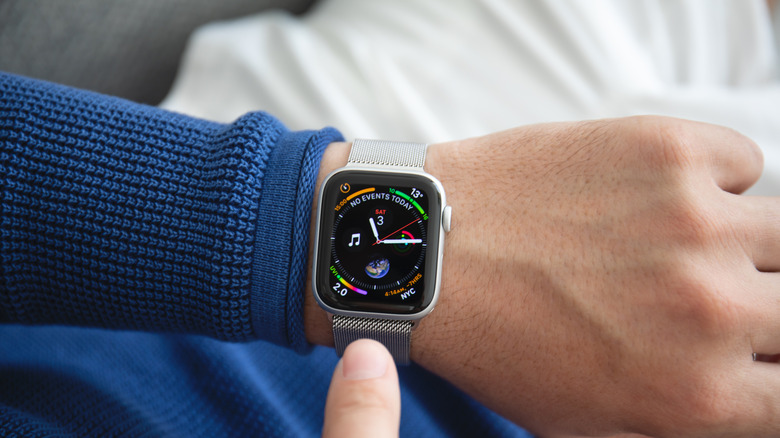
Cover the display with your hand for three seconds to mute an incoming call or notification. You’ll feel a tap confirming the action. Alternatively, quickly turn your wrist over and back to dismiss notifications using the wrist flick gesture, available on SE 3, Series 9, Ultra 2, and later models.
Live Listen for Enhanced Hearing
For those with hearing difficulties or simply needing to hear better in noisy environments, Live Listen is a game-changer. This feature uses your iPhone’s microphone to stream sound directly to your AirPods or compatible hearing devices. Additionally, it provides real-time transcriptions on your watch’s screen.

To use Live Listen, open the Control Center on your watch, tap the Hearing Controls button, and select Live Listen. This feature is available on all models running watchOS 26.
Music Recognition: Never Miss a Beat
Have you ever heard a catchy tune and wished you could identify it instantly? Apple Watch features 2026 include built-in music recognition, courtesy of Shazam. Simply tap the music recognition icon on your watch and tap again to start listening. The watch will identify the song and display the title and artist, allowing you to add it to your library or playlist without pulling out your phone.
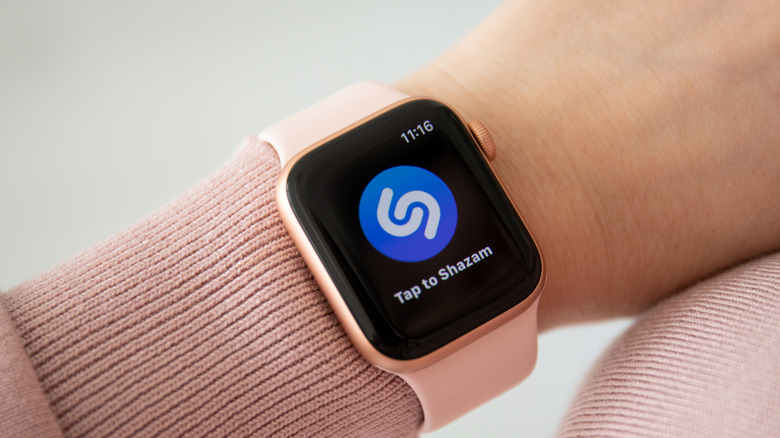
Forget to note a song? No worries. Open the Music Recognition app and scroll down to see a history of identified songs. This feature is available on all watches running watchOS 26.
Live Translation for Global Travelers
Traveling internationally? Apple Watch features 2026 include a live translation app that supports both text and voice translation in multiple languages. You can even download languages for offline use, making it a reliable tool for global communication. This feature is available on the SE 3, Series 9, Ultra 2, and later models.
To use live translation, open the Translate app on your watch, select the language you want to translate into, and start typing or speaking. The translation will appear on your watch’s screen, and you can play the audio translation by tapping the play button. Save common phrases as favorites for quick access throughout the day.
By exploring these hidden gems, you’ll unlock the full potential of your Apple Watch and enhance your daily experiences. From health monitoring to seamless communication, these features are designed to make your life easier and more enjoyable.





Leave a Reply